
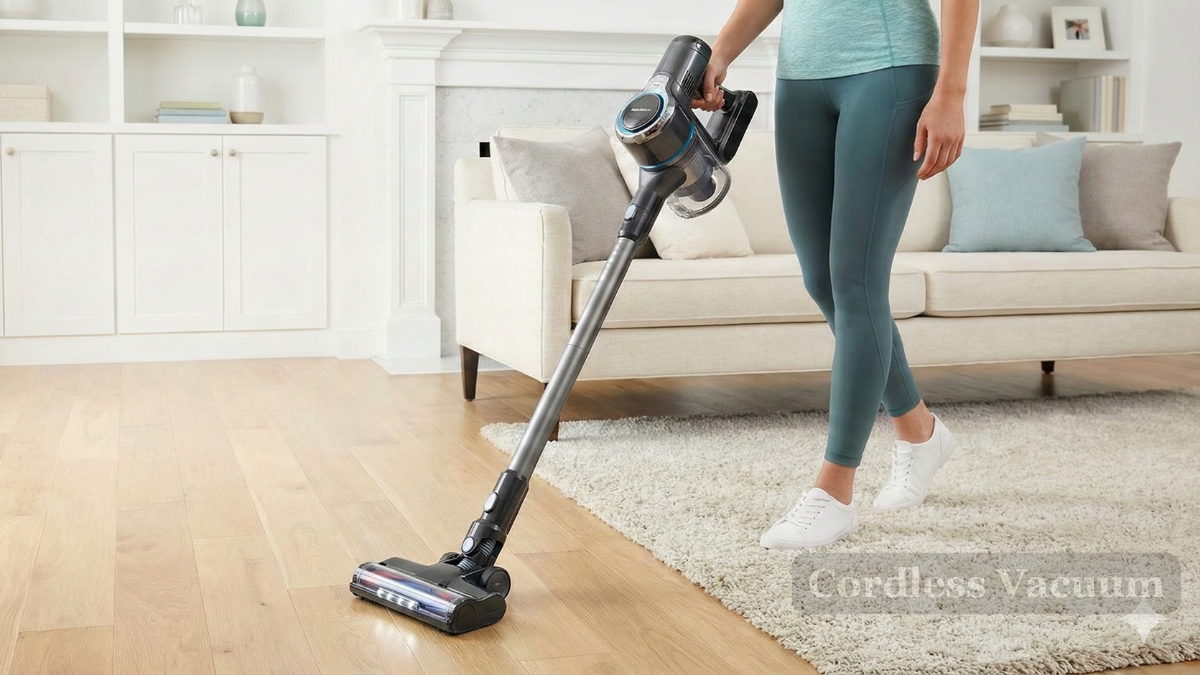
How to Maintain Your Cordless Vacuum for Longer Battery Life
A cordless vacuum is one of those household tools you don’t realize you rely on—until the battery starts dying halfway through your cleaning routine. If you’ve noticed your vacuum losing power faster than it used to, you’re not alone. Like all rechargeable devices, cordless vacuums need intentional care to keep the battery healthy.
The good news? You don’t have to be an expert to dramatically extend your cordless vacuum’s battery life. With a few simple habits, you can keep your vacuum running stronger, charge after charge.
Below is a human-friendly, easy-to-follow guide that shows you exactly how to care for your cordless vacuum so it stays reliable for years.
1. Charge Smarter, Not Harder
Most people plug in their vacuum after every use and forget about it—but that’s actually one of the fastest ways to wear down the battery.
Here’s what your vacuum really prefers:
-
Avoid fully draining the battery. Letting it hit 0% repeatedly puts extra stress on lithium-ion cells.
-
Unplug after it reaches 100%. Leaving it on the charger nonstop reduces long-term capacity.
-
Keep it cool while charging. Heat is the #1 battery killer. Always charge in a cool, dry environment—not in a hot laundry room or garage.
A consistent, mindful charging routine is one of the simplest ways to extend your cordless vacuum’s battery life without any extra tools or costs.
2. Clean Your Filters More Often Than You Think
A clogged filter is like a stuffy nose for your vacuum—it forces the motor to work harder and burns through battery life quicker.
To prevent this:
-
Tap off dust weekly.
-
Wash reusable filters every 2–4 weeks.
-
Let filters dry completely before reinstalling (damp filters restrict airflow).
Clean filters help your cordless vacuum breathe better, which means smoother suction, less strain, and more cleaning time per charge.
3. Empty the Dustbin Before It Overfills
We’re all guilty of trying to squeeze in “just one more room” before emptying the bin. But a packed dust container restricts airflow, making the vacuum work overtime.
Instead:
-
Empty the dustbin after every cleaning session.
-
Check for lodged debris or clumps that might block airflow.
This two-minute habit improves suction and protects the battery from unnecessary power drain.
4. Keep the Brush Roll Free From Hair and Debris
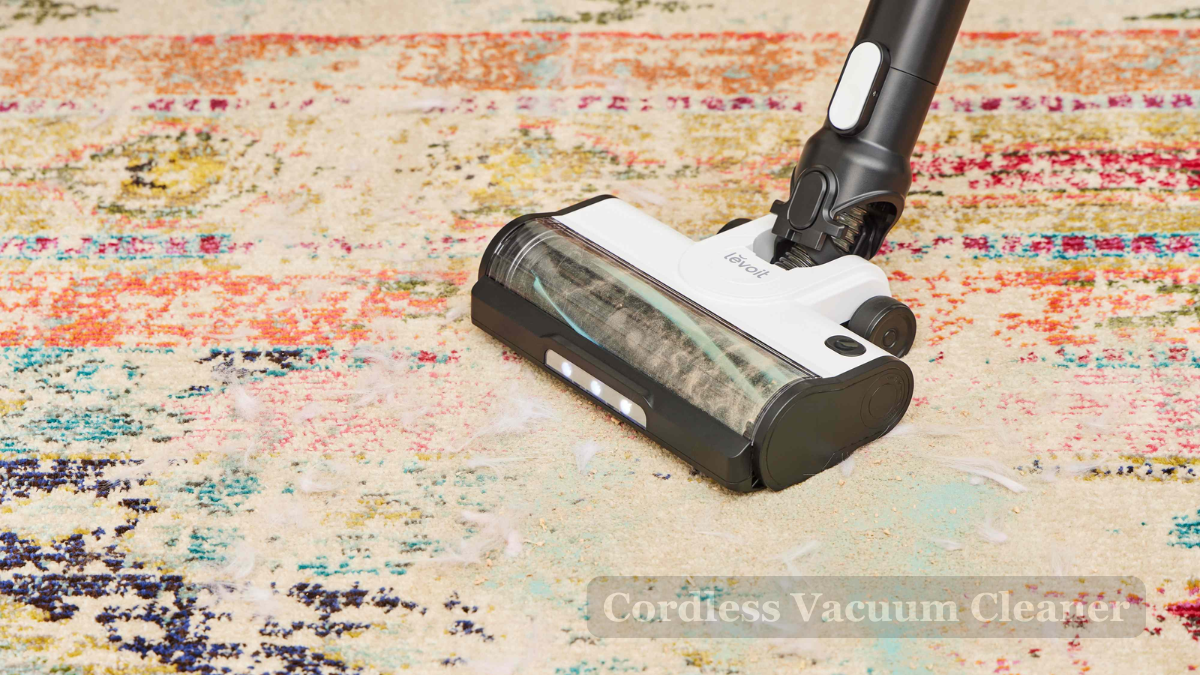
Hair, fuzz, and strings love to wrap around the brush roll, creating friction that:
-
Drains the battery faster
-
Overheats the motor
-
Reduces the vacuum’s ability to pick up dirt
Take a moment once a week to cut away debris using scissors or a seam ripper. Your vacuum will run easier, and your battery will thank you.
5. Store Your Cordless Vacuum in the Right Environment
Where you store your vacuum matters more than most people realize.
Avoid:
❌ Direct sunlight
❌ Cold garages
❌ Damp basements
❌ Areas near heaters or radiators
Choose:
✔ A cool, indoor closet
✔ A room with stable temperature
✔ Somewhere dry and away from humidity
Proper storage prevents battery stress and prolongs the overall life of the device.
6. Use High-Power Modes Only When Necessary
Turbo mode can feel satisfying—but it’s also a battery drainer.
For everyday crumbs, dust, and pet hair, the standard power setting is usually enough. Reserve high-power mode for deep cleaning carpets or tackling stubborn messes.
This small change adds several extra minutes of runtime every session and reduces long-term wear on the battery.
7. Replace Worn Parts Before They Cause Bigger Problems
A vacuum is only as efficient as its parts. When components wear down, the motor works harder, pulling more energy from the battery.
Keep an eye on:
-
Brush roll bristles
-
Filters with permanent discoloration or tears
-
Cracked hoses or seals
-
Attachments that no longer snap tightly
Replacing worn parts early is cheaper than replacing a battery—or the entire vacuum.
8. Follow the Manufacturer’s Battery Care Instructions
Every cordless vacuum works a little differently. Brands like Dyson, Shark, Tineco, and Hoover have specific recommendations that can improve battery lifespan.
Common brand guidelines include:
-
Ideal charging ranges
-
Recommended cleaning schedules
-
Approved replacement parts
-
Temperature guidelines
Taking two minutes to skim the manual can prevent months of battery frustration.
Final Thoughts: Small Habits Make a Big Difference
Maintaining the best cordless vacuum doesn’t require complicated steps—just consistent, practical care. By adopting a few battery-friendly habits, you can drastically improve performance and extend the life of both the vacuum and its battery.
When you:
-
Charge it properly
-
Keep filters clean
-
Empty the dustbin.
-
Maintain the brush roll
-
Store it safely
-
Use the right cleaning modes
You’ll enjoy stronger suction, longer runtime, and a cleaner home with less frustration.
If you want your cordless vacuum to perform at its best, using the right replacement parts and accessories makes a noticeable difference. High-quality filters, brush rolls, and batteries ensure your machine runs efficiently and maintains strong suction. When your vacuum starts losing power or showing signs of wear, choosing reliable components from trusted sources—like VacuumPartsCanada—helps extend the life of your device and keeps everyday cleaning effortless. Whether you're looking for a new battery, a fresh filter, or genuine parts for popular brands, having access to the right products can maximize your vacuum’s performance and long-term durability.

Leave a comment
This site is protected by hCaptcha and the hCaptcha Privacy Policy and Terms of Service apply.